How do I contact a submitter?
Submitter organization and user information is available within the Simplifile User Interface.
-
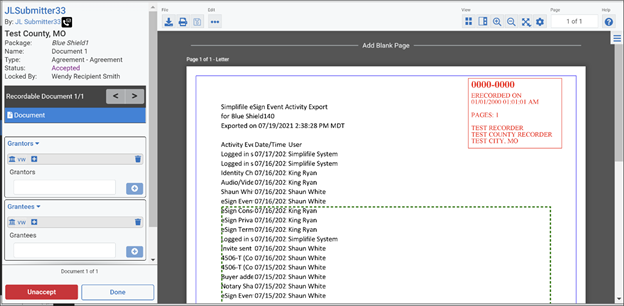
When logged into Simplifile, navigate to a package and select a document.
-
When the Document Viewer is open, the submitter contact information is accessible at the top left corner of the left pane by selecting the telephone / email icon.
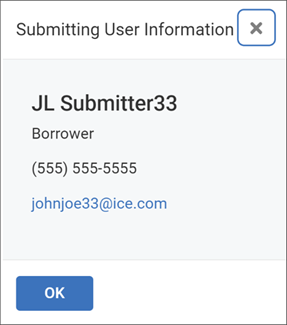
The Submitting User Information window opens with the submitter's contact information.