eSign Workflow
Published Noverber 15, 2024
QUICK TIP: To view the entire topic, click the  Expand all icon at the top or bottom of the topic. To expand each section in the topic, click the "+" icon.

 Authenticate / Login
Authenticate / Login
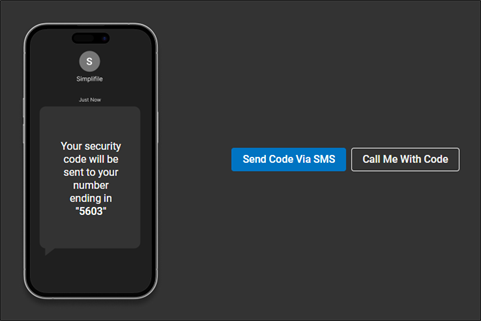
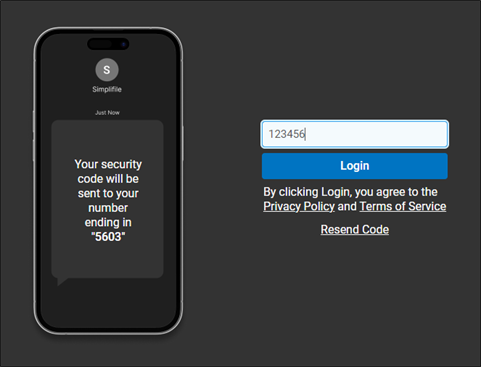
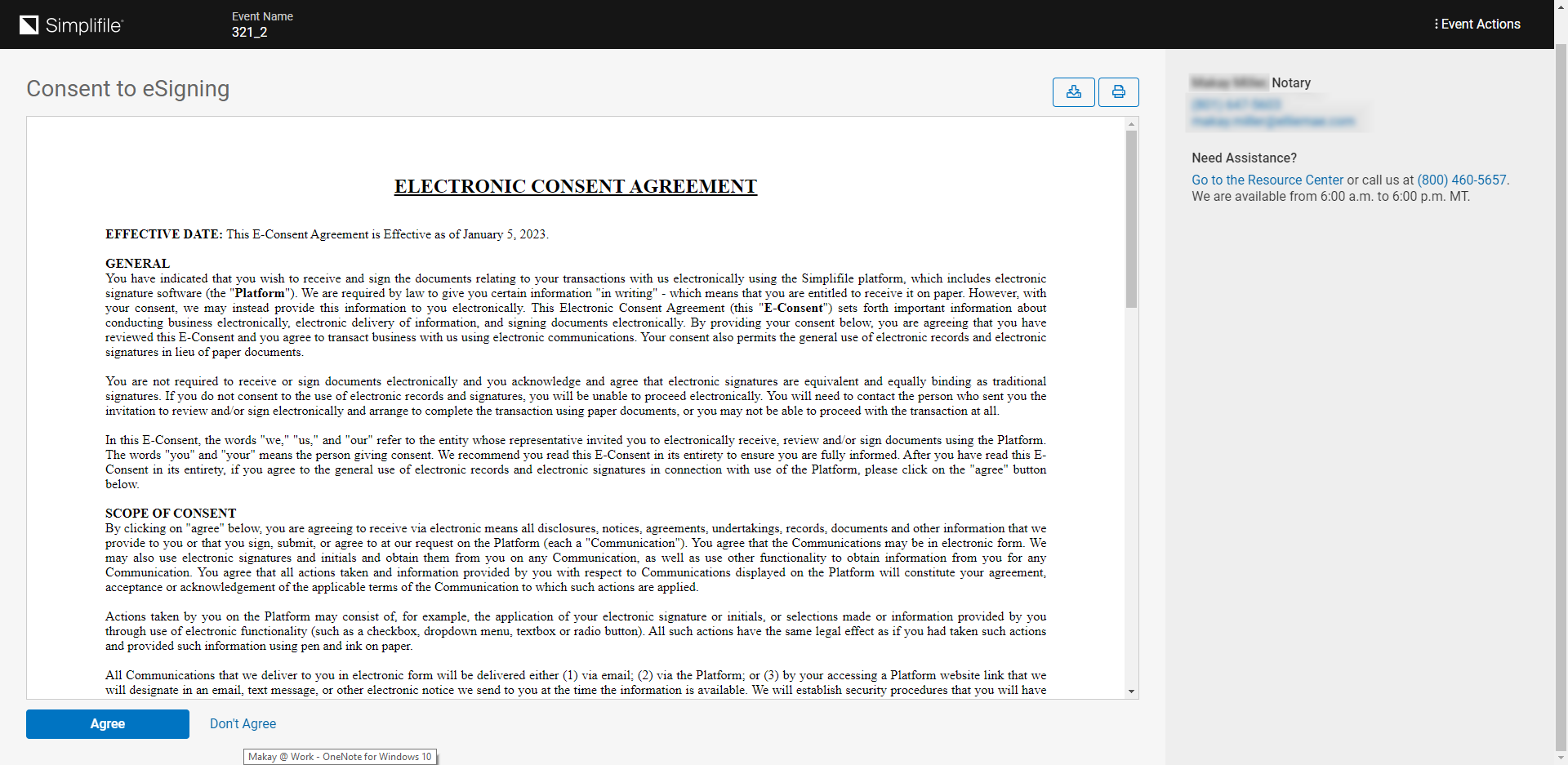
You may be required to provide a one-time-password that will be sent via text or phone call to the phone number provider by the party that created your event.
If you are accessing your signing through a Single-Sign On (SSO) link, you will bypass this page.
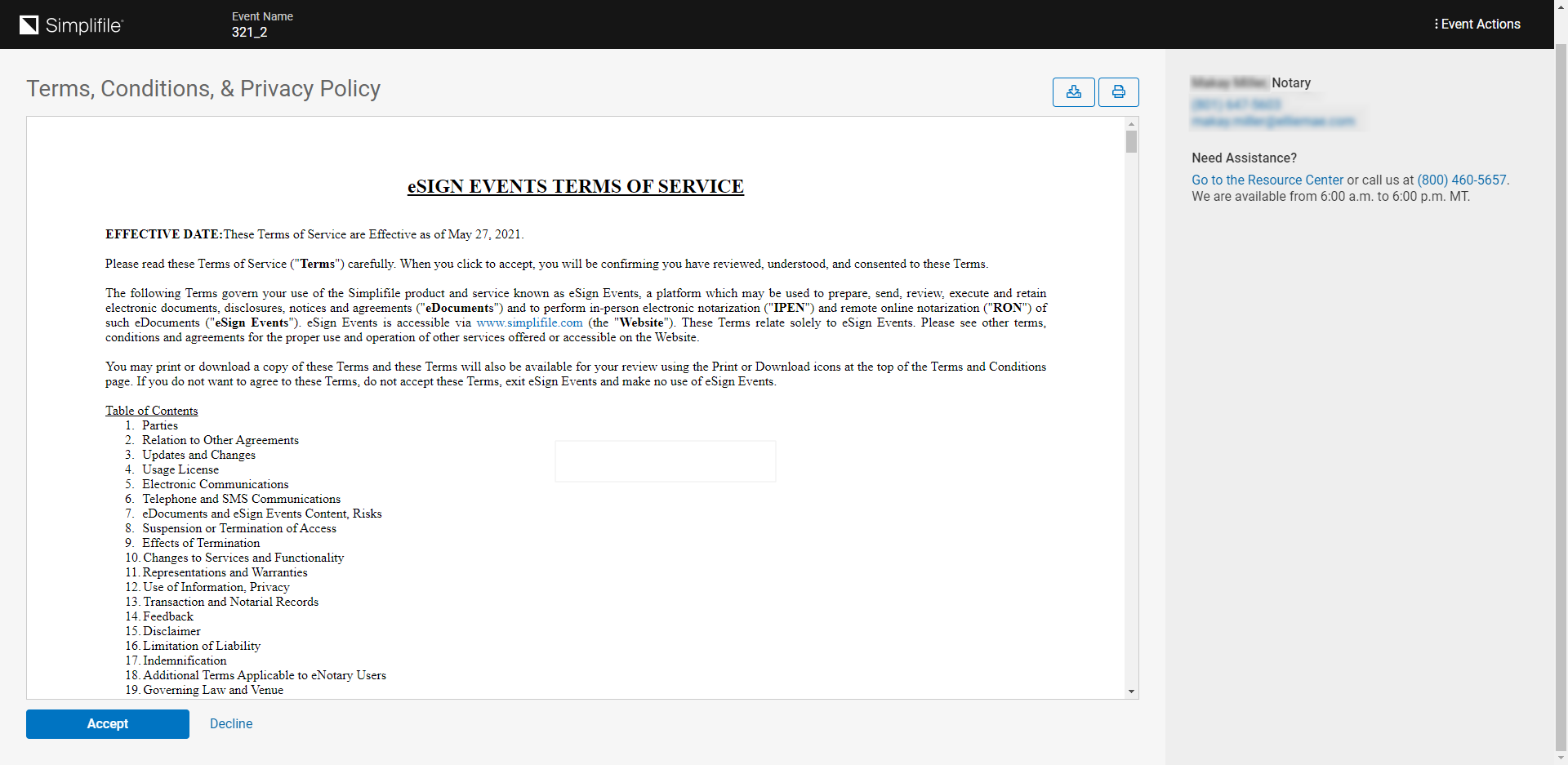
Depending on how you access your signing you may be accepting the eSign Events Terms of Service and Privacy Policy when you authenticate into the event.
 Signing Room
Signing Room
-
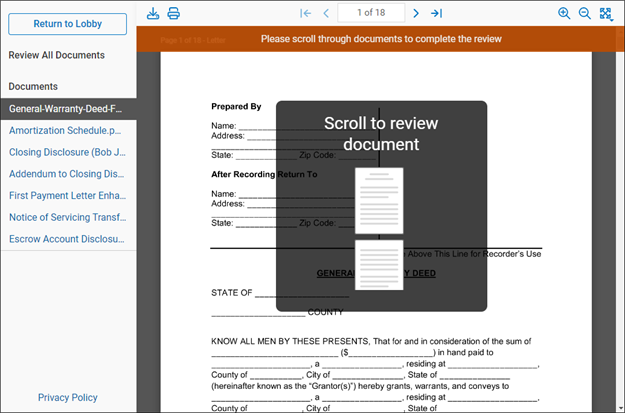
You may be required to review all of your documents before you can begin signing. Scroll through each document to complete the review.
-
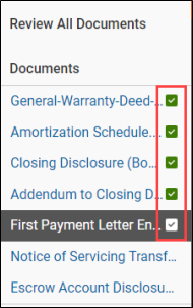
As documents are reviewed a green check mark displays in the documents panel on the left.
-
A confirmation message displays after all documents have been reviewed. Click the Continue to Signing
 button to begin completing all signing actions.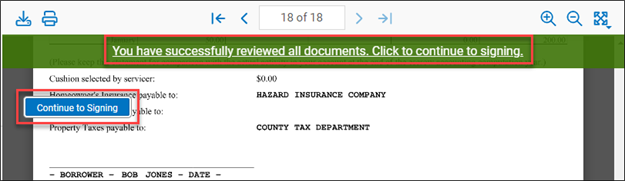
-
The document panel on the left displays the number of remaining signing actions to be completed for each document. A green check mark displays when all signing actions have been completed for the document.
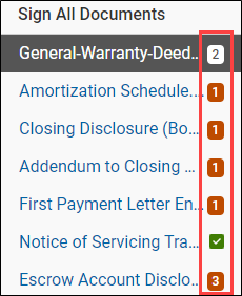
-
The orange Arrow icons in the document viewing panel indicate a signing action. Signing actions can included checkboxes, dates, signatures, text fields, and more. If signing actions are optional you will have the option to click Skip where the orange Arrow icons is for that signing action. A green check mark displays after a signing action is completed.
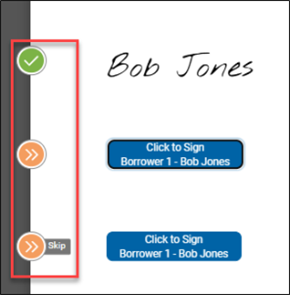
-
When the first signature or initial is applied, a pop-up window opens for the user to adopt a default signature or to draw a signature. In some cases, the ability to draw a signature may be disabled.
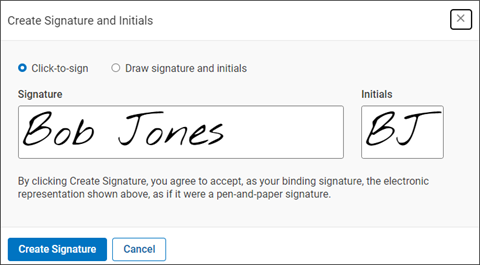
-
A confirmation message displays after all documents have been signed. Click Submit Signed Documents to continue.
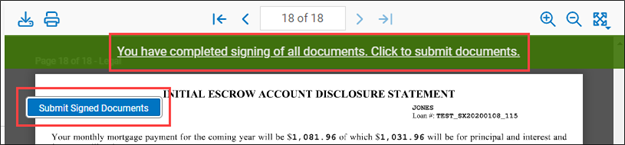
Accessing Signed Documents
Accessing Signed Documents
-
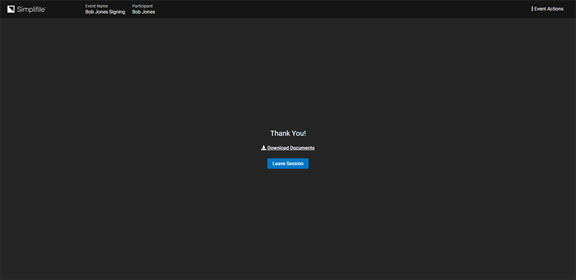
When signing is complete, you will immediately be able to download your signed documents by selecting the Download Documents link. If other signers have not completed their signatures an "In Progress" watermark is applied to all pages. When all signers have completed signing, you will receive a notification.